The new toolkit centralizes encryption controls that were previously scattered across Windows Settings, Command Prompt, and PowerShell. A primary addition is the BitLocker Manager, which allows users to lock, unlock, enable, or disable encryption through an intuitive interface rather than manual configuration. This feature is particularly relevant for Windows 11 Home users, who previously lacked a straightforward method to deactivate BitLocker on systems where Microsoft restricts full management capabilities.
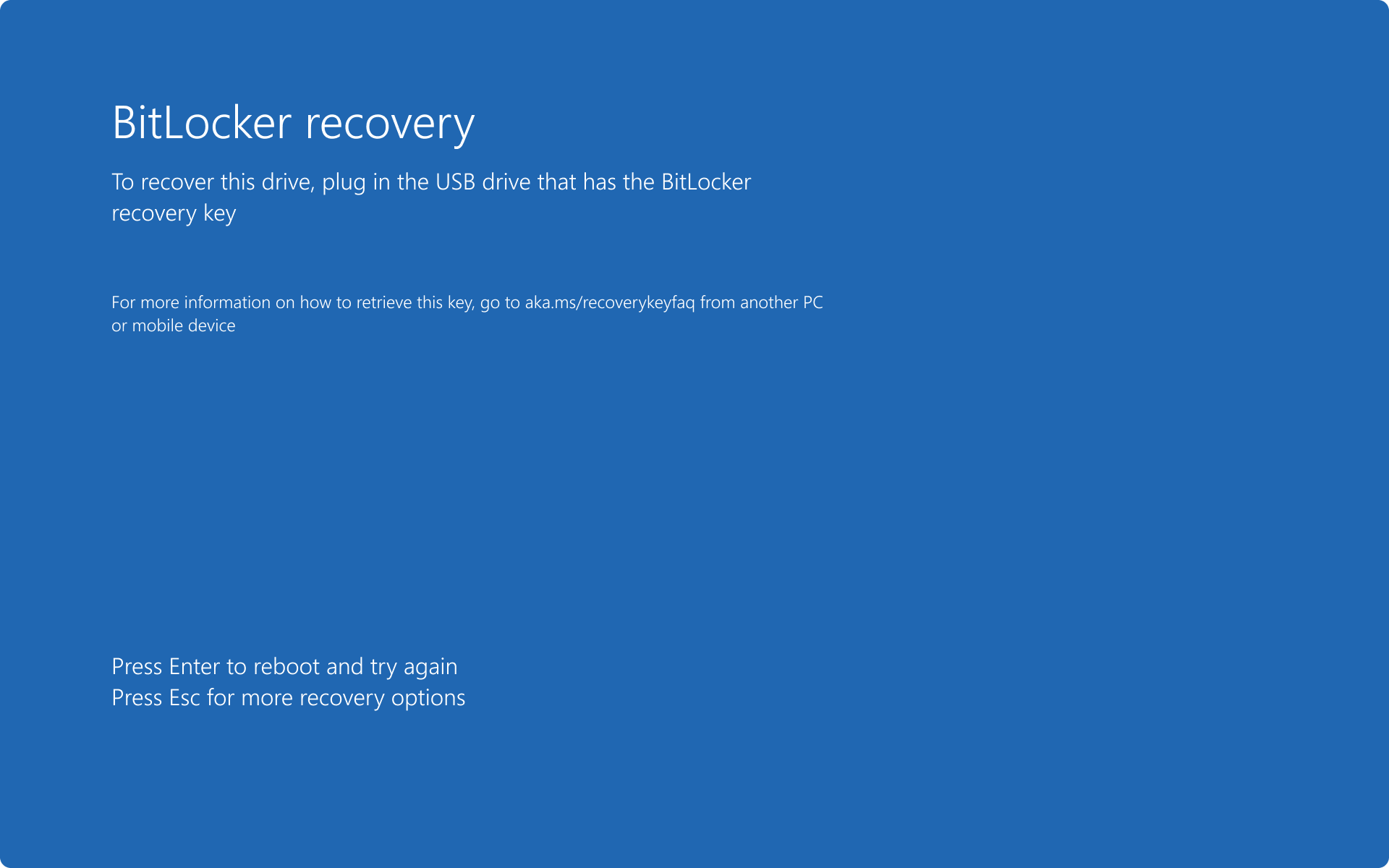
Beyond basic drive control, the update addresses common failure points such as lost recovery keys and system lockouts. The BitLocker Key Finder automates the location of missing credentials, while the software’s bootable media utility offers a path to bypass BitLocker-related blue screen errors and startup loops. By consolidating these functions, EaseUS aims to reduce reliance on secondary recovery methods, providing a unified solution for users facing data access hurdles due to security-related system crashes or forgotten passwords.


Comments (0)
No comments yet. Be the first!